Tools

Recording, Editing and Design Tools by Task

Shopping for gear feels productive. It rarely is. Here's how to match one tool to one job, so your desk stops being a museum of half-learned apps.

The hour you lose to switching

Picture a typical week: an idea in a phone note, a script in a document app, audio in one editor, video in another, a thumbnail in a browser tool, captions in a third service. Each hand-off costs a few minutes of exporting, renaming and re-finding. Multiply by four pieces of content and the switching alone eats an hour or more.

The fix isn't a magic all-in-one app. It's deciding, in writing, which single tool owns each job on your desk. When the job is clear, the tool choice gets easy, and you stop re-evaluating it every time a new app trends.
Job A

Recording

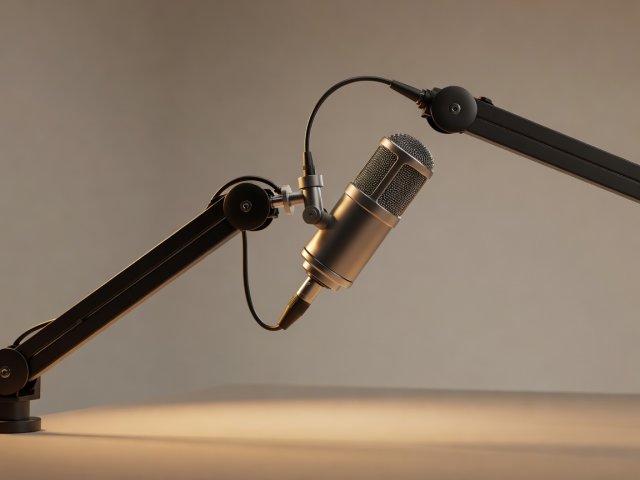
For voice, a dynamic microphone placed a hand's width from your mouth forgives untreated rooms far better than a sensitive condenser. The Shure SM7B and Rode PodMic are common studio picks; USB/XLR hybrids such as the Samson Q2U let you start on a laptop and move to an interface later.

For screen and camera capture, OBS Studio is free, open source and stable on Windows, macOS and Linux. Save a scene collection once — camera, screen, mic, overlay — and never rebuild it. Record audio as a separate track so you can fix it without touching video.

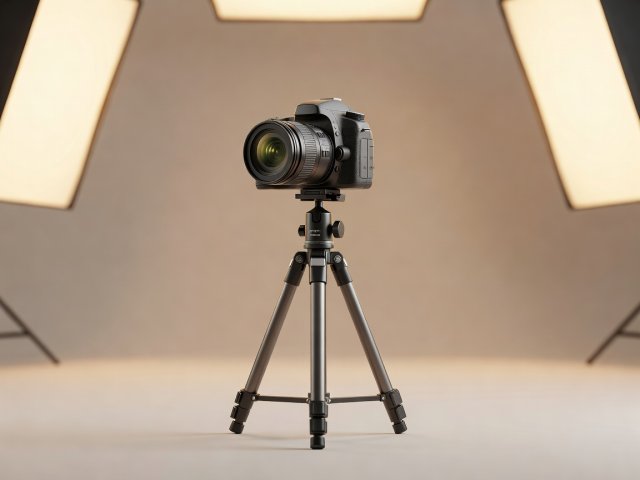
Light matters more than camera resolution. A window to your side or one LED panel with a diffuser, set at roughly 45 degrees, will improve almost any webcam.

3D render of a dynamic podcast microphone on a boom arm with soft amber lighting
3D render of a mirrorless camera on a small tripod against a plain warm backdrop
Job B

Editing

DaVinci Resolve offers a capable free version with professional colour and audio tools. Shotcut and Kdenlive are lighter open-source alternatives for older machines. For audio-only work, Audacity is free and approachable, and Reaper offers a generous evaluation period and an inexpensive licence for individuals.

Whatever you pick, the time saving lives in the template: a saved project with your intro, lower-thirds, music bed, export preset and loudness target already in place. For podcasts, many producers aim around −16 LUFS integrated for stereo, the figure Apple has long recommended; streaming platforms normalise anyway, but a consistent target means fewer surprises.

Learn ten shortcuts — cut, ripple delete, nudge, zoom, mark in and out — and you'll edit noticeably faster within a week.

Job C

Design and packaging

Thumbnails and cover art decide whether the work gets seen. GIMP and Krita handle raster images; Inkscape handles vector logos and type; Figma is a browser-based layout tool many creators use for reusable thumbnail frames; Canva is quick for people who prefer drag-and-drop. Blender, also free, is how the soft-lit 3D renders on this site are typically made.

Build one master thumbnail at 1280 × 720 pixels, the size YouTube documents for custom thumbnails, with locked positions for face, title and brand mark. Each new episode becomes a five-minute swap rather than a forty-minute design session.

Comparing tool types

Tool categories by job, cost and common trap
Tool typeExampleBest forLearning curveWatch out for
Screen/camera recorderOBS StudioTutorials, streams, talking headsModerateRebuilding scenes every session
Audio editorAudacity, ReaperPodcasts, voiceoversLow to moderateInconsistent loudness between episodes
Video editorDaVinci Resolve, ShotcutLong and short videoModerate to highStarting each edit from a blank timeline
Raster/vector designGIMP, Krita, InkscapeThumbnails, art, logosModerateNo reusable master file
Layout/browser designFigma, CanvaSocial cards, templatesLowFonts and assets with unclear licences
Notes and planningNotion, Obsidian, TrelloIdea inbox, calendarsLowSpending more time organising than making

Setups by content format

Minimum desk: webcam or phone on a tripod, one soft light, dynamic mic, OBS Studio, DaVinci Resolve, one thumbnail master file.

Biggest time sink: editing from scratch. Save a project template before your next shoot.

Map your workflow